
Large image files can slow down your website, affect user experience, and even hurt your search engine rankings. Whether you run a blog, eCommerce store, or tools website, image optimization is essential. That’s where our Image Compress Tool comes in.
Our free online image compressor helps you reduce image file size without noticeable quality loss. It works directly in your browser, meaning your files stay secure and private. No signup, no watermark, and no hidden limits.
Why Image Compression Is Important
Images are often the biggest elements on a webpage. If they are not optimized, they can significantly increase page load time. Slow websites lead to:
- Higher bounce rates
- Lower Google rankings
- Poor mobile performance
- Reduced conversions
By compressing your images before uploading them, you improve website speed and overall performance. Faster websites rank better and provide a smoother user experience.
How Our Image Compress Tool Works
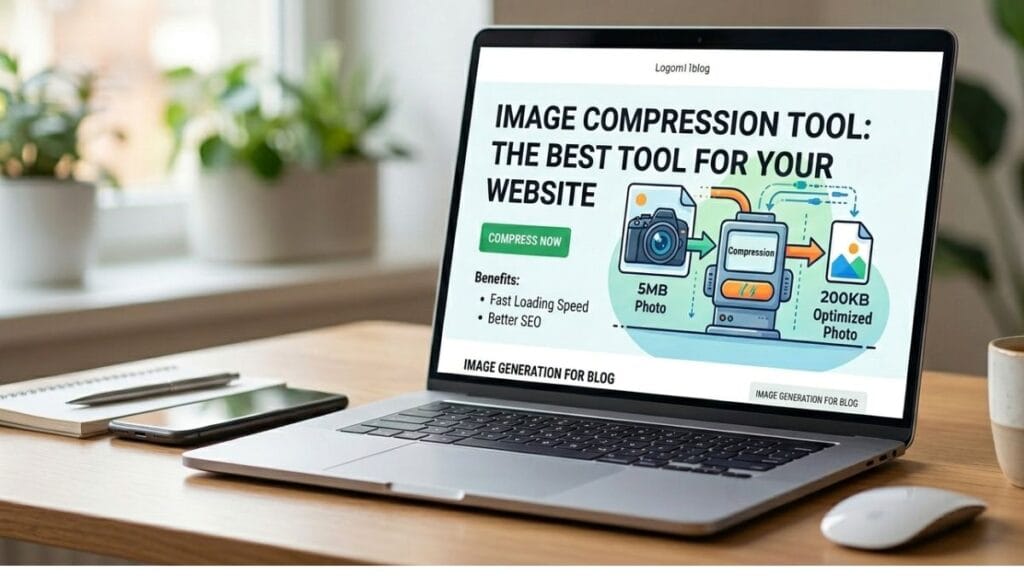
Our tool uses smart compression techniques to reduce file size while maintaining clarity. You simply:
- Upload your image (JPG, PNG, or WebP)
- The tool automatically compresses it
- Download the optimized image instantly
The process takes only a few seconds. Everything happens in your browser, so your images are never stored on our server
Key Features of Our Image Compressor
1. High-Quality Compression
Reduces file size while preserving image clarity and sharpness.
2. Supports Multiple Formats
Works with JPG, PNG, and WebP images.
3. Fast Processing
Instant compression with no waiting time.
4. 100% Free
No subscription, no registration required.
5. Mobile-Friendly
Fully responsive tool that works perfectly on smartphones, tablets, and desktops.
Who Should Use This Tool?
Our Image Compress Tool is ideal for:
- Bloggers optimizing images for SEO
- eCommerce store owners improving product page speed
- Web developers enhancing performance
- Social media managers reducing upload size
- Students and professionals sharing documents online
If you care about website speed and performance, image compression is not optional — it’s necessary.
Does Compression Affect Image Quality?
One of the most common concerns is quality loss. Our tool balances compression and clarity. While extreme compression can reduce quality, our smart algorithm ensures minimal visual difference while achieving maximum size reduction.
For most websites and social media uploads, the difference is nearly invisible to the human eye.
Start Compressing Your Images Today
If you want a faster website, better SEO rankings, and improved user experience, image compression should be part of your workflow.
Try our free Image Compress Tool now and reduce image size in seconds — without losing quality.